
Installation guide
The same four steps apply to every device: install a player, enter your details, let the channel list build, and start watching. The differences are in how you install the player, so each platform has its own walkthrough.
Before you start
- Your Mom IPTV login details or playlist address, sent to you when your order is confirmed
- The device you want to watch on, connected to the internet
- A few minutes to install the player — longer on a Firestick, where side-loading adds a step
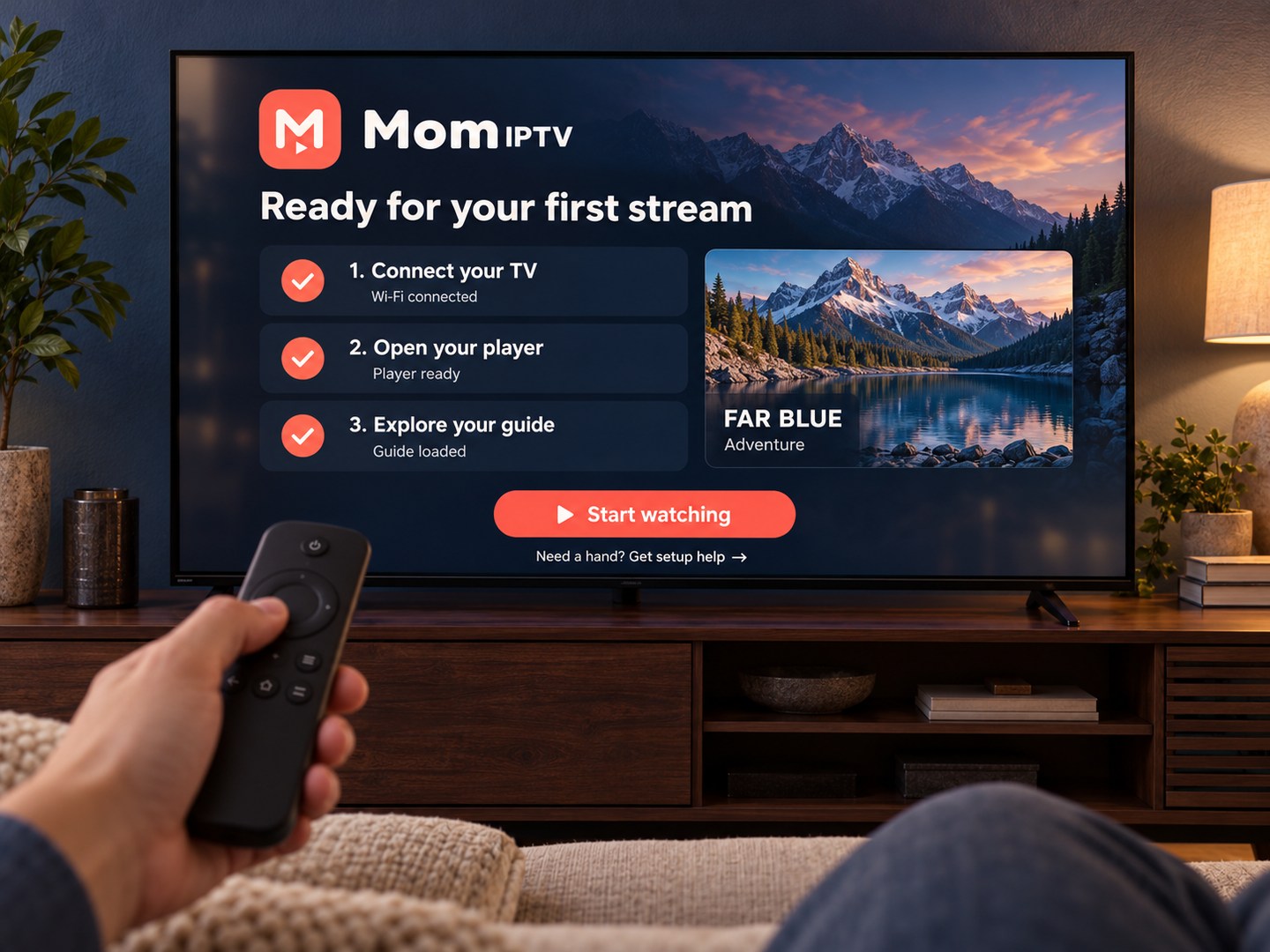
The four steps, on any device
-
Install a compatible IPTV player
From your device's own app store where possible. On a Firestick this means installing Downloader first, because the player is side-loaded.
-
Open the player and add your details
Choose the option for an M3U playlist or Xtream Codes login, depending on which we sent you, and enter them exactly as written.
-
Let the channel list and guide load
The first load takes longer than later ones because the player is downloading the full channel list and programme guide.
-
Set up favourites
Optional, but it saves time. Most players let you mark channels so they appear in their own list rather than being scrolled past.
Guides for each device
Pick the platform you are installing on.
Amazon Firestick
Open guideSamsung & LG Smart TV
Open guideAndroid TV & boxes
Open guideApple TV
Open guideWhen a step does not match
App stores change their layouts and players change their menus, so a screen may not look exactly like the walkthrough. The underlying order does not change: install, enter details, wait for the list, then watch.
If you are stuck, send a photo of the screen on WhatsApp. It is usually quicker than describing it.
Mom IPTV does not ship its own proprietary app. You use a compatible third-party IPTV player, and the guides name the ones that have been tested.
Stuck on a step?
Send a photo of the screen on WhatsApp. It is usually quicker than describing it.
Or call +44 7868 240819