
Compatible devices
Mom IPTV works through standard IPTV player apps rather than a proprietary application, so the hardware you already own is usually all you need. Each device below links to its own installation guide.
Samsung & LG Smart TV
Install a compatible IPTV player from your television's own app store.
Setup guideAmazon Firestick
Side-load a player through the Amazon Appstore or Downloader.
Setup guideAndroid TV & boxes
Install a player from Google Play on Android TV, Google TV or a box.
Setup guideApple TV
Use a tvOS IPTV player from the App Store.
Setup guideiPhone & iPad
Any App Store IPTV player that accepts M3U or Xtream Codes details.
Setup guideAndroid phone & tablet
Install a player from Google Play and sign in with your details.
Setup guideWindows & Mac
Desktop IPTV players and VLC both accept a playlist URL.
Setup guideMAG & Enigma2
Set-top boxes that take a portal or playlist address.
Setup guideYou will need a compatible IPTV player
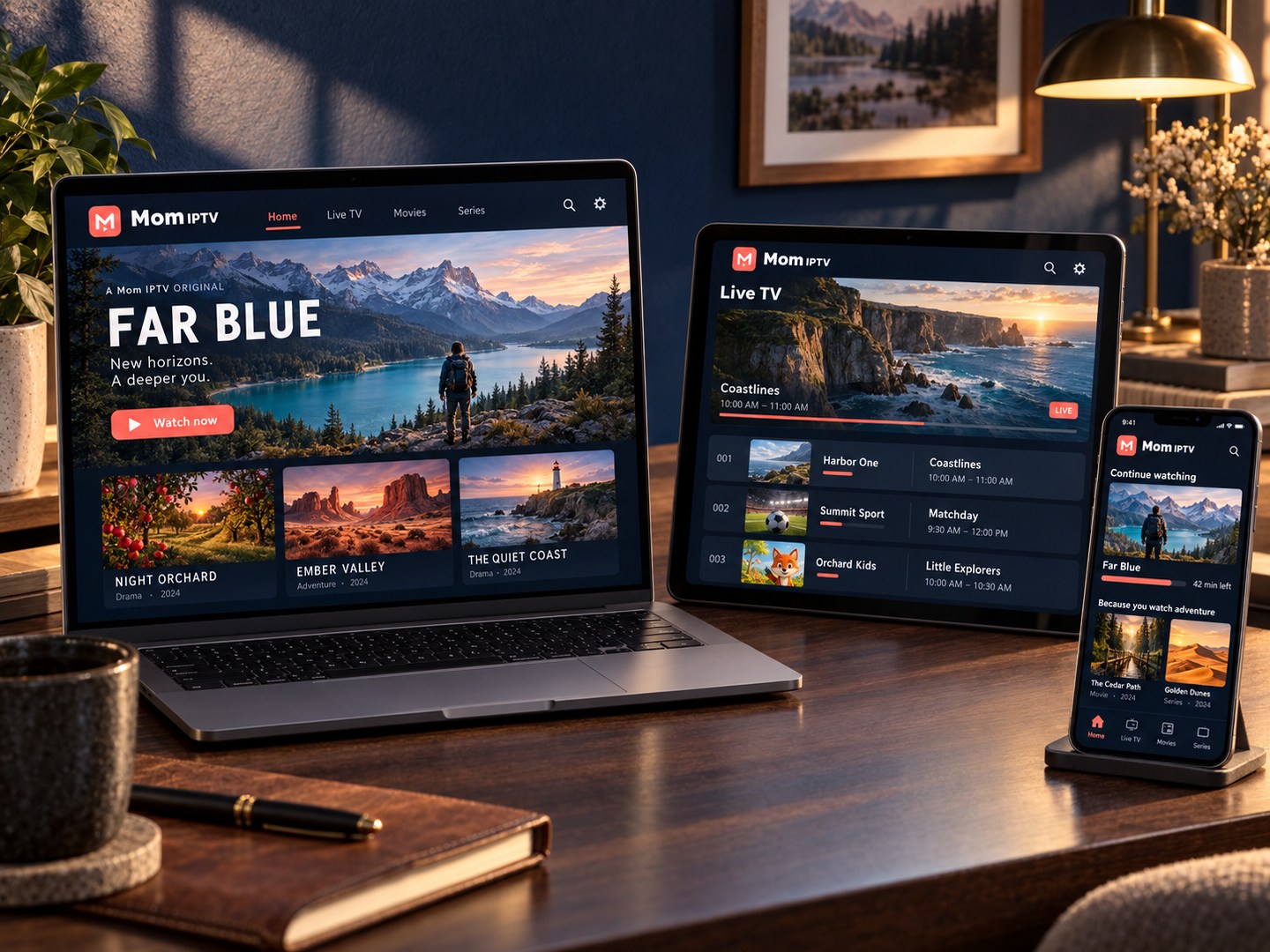
There is no Mom IPTV app. You install a third-party IPTV player on your device and enter the details we send you — either an M3U playlist address or a set of Xtream Codes login details, both of which are supported.
Players that are commonly used include TiviMate, IPTV Smarters, GSE Smart IPTV, Perfect Player and VLC. Which one suits you depends on the device and on whether you want a programme-guide layout or a simple channel list. The installation guides name the player used in each walkthrough.
If your device is not listed
The list above covers the platforms that have been set up and checked. If you are using something else — an older smart TV, a games console, a projector with built-in apps — ask before you order. The deciding factor is almost always whether the device can run an IPTV player that accepts a playlist or Xtream Codes details.
We would rather tell you a device will not work than sell you a subscription you cannot use.
Still deciding?
Message the team with the device you want to watch on and we will tell you what you need.
Or call +44 7868 240819